Melotte Consulting
← Back to journal

Journal entry

Building date records in Tape

A practical pattern for generating related year, month, and day records in Tape using automation and batch creation.

guide Tape 14 Sept 2025 9 min read

Key takeaways

  • Date hierarchies work better in Tape when modelled as related records rather than plain date fields.
  • Batch automation makes building year, month, and day records repeatable without manual effort.
  • Linked date records unlock filtering and grouping patterns that a flat date field cannot support.

Sometimes a workflow needs a real date structure rather than a single date field.

One useful approach in Tape is to model that explicitly with three related apps:

  1. Year
  2. Month
  3. Day

That can be helpful when you need structured reporting, predictable relationships, or repeated automation across a calendar shape.

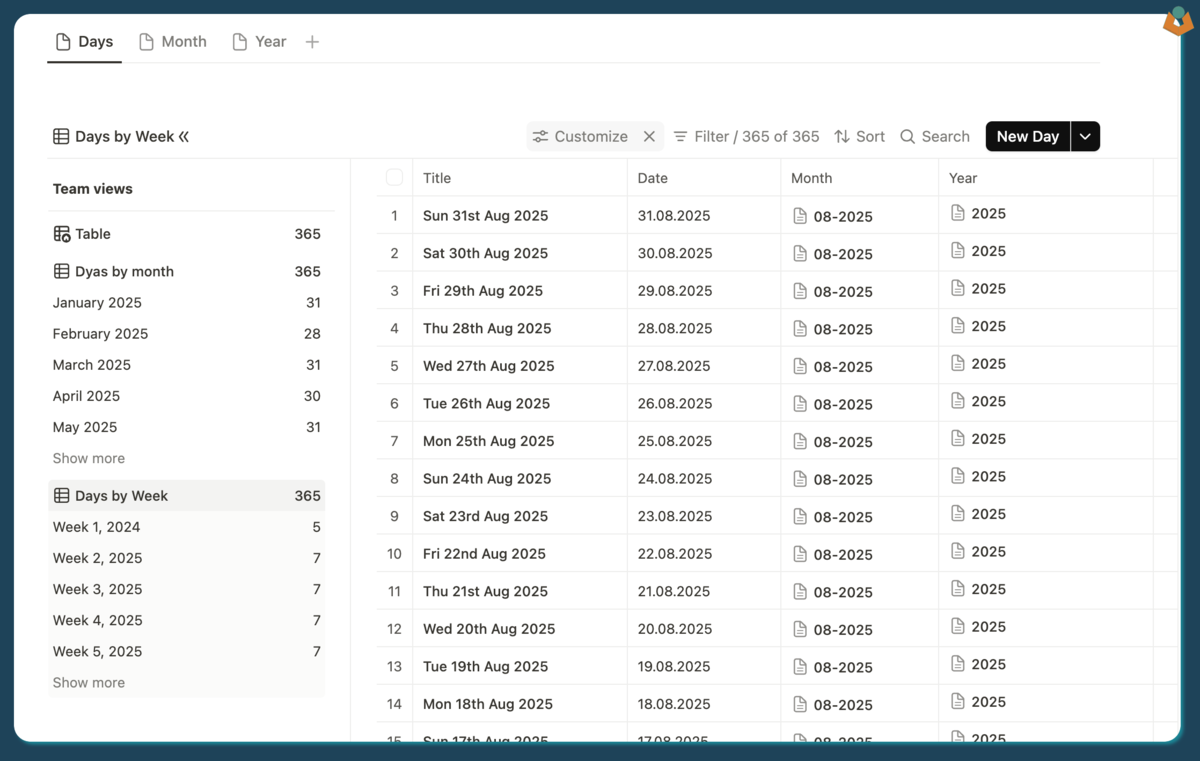
Tape apps for Year, Month, and Day records related together to form a structured calendar model.
Breaking the structure into Year, Month, and Day apps creates a dependable base for reporting and automation.

The basic setup

The idea is simple:

  • the Year app holds the top-level year record
  • the Month app relates back to the year
  • the Day app relates to both the month and the year

From there, automations can generate the child records rather than relying on manual creation.

Creating the month records

When a year record is created, one automation can calculate the year boundaries and batch-create the 12 related month records.

const yearDate = date_fns.parse(year_field_year_value, 'yyyy', new Date());
const months = [1,2,3,4,5,6,7,8,9,10,11,12];

const batchCreateData = {
  inputs: months.map(monthNum => {
    const monthDate = new Date(yearDate.getFullYear(), monthNum - 1, 1);

    return {
      fields: {
        month: `${monthNum}`,
        start_date: date_fns.startOfMonth(monthDate),
        end_date: date_fns.endOfMonth(monthDate),
        year: current_record_id,
      }
    };
  })
};

That gives you a clean, related month layer without manually building out the calendar.

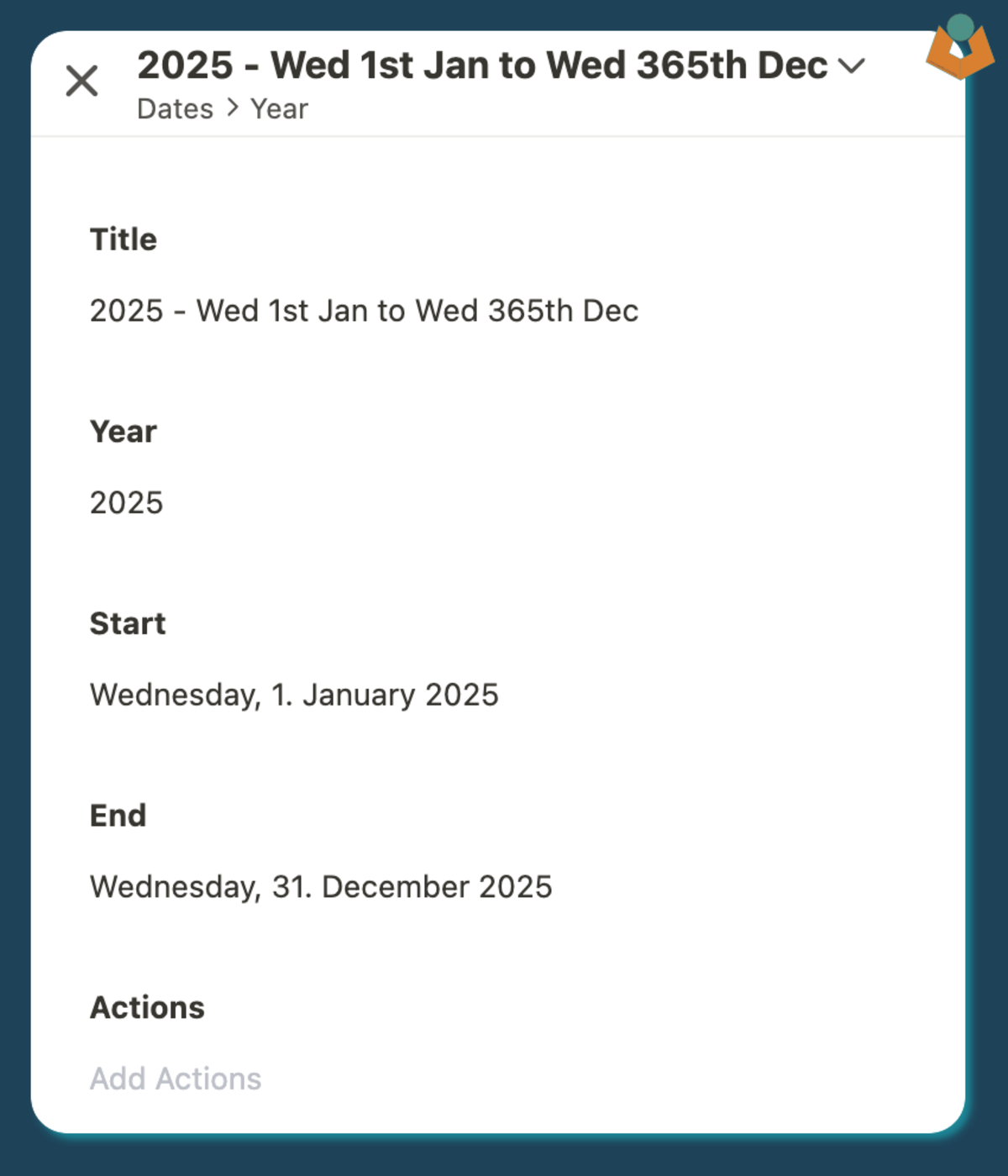
Tape year record with fields used to drive an automation that creates related month records.
The year record can stay simple while the automation handles the heavier record generation work in the background.

Creating the day records

The month record can then trigger the next step and create all of the day records for that month.

The core pattern is to generate the dates for the month and then batch-create them:

function getAllDatesInMonth(year, monthIndex) {
  const date = new Date(year, monthIndex);

  return date_fns.eachDayOfInterval({
    start: date_fns.startOfMonth(date),
    end: date_fns.endOfMonth(date)
  });
}

From there the automation can map those dates into the payload for the Day app, including the related year and month references.

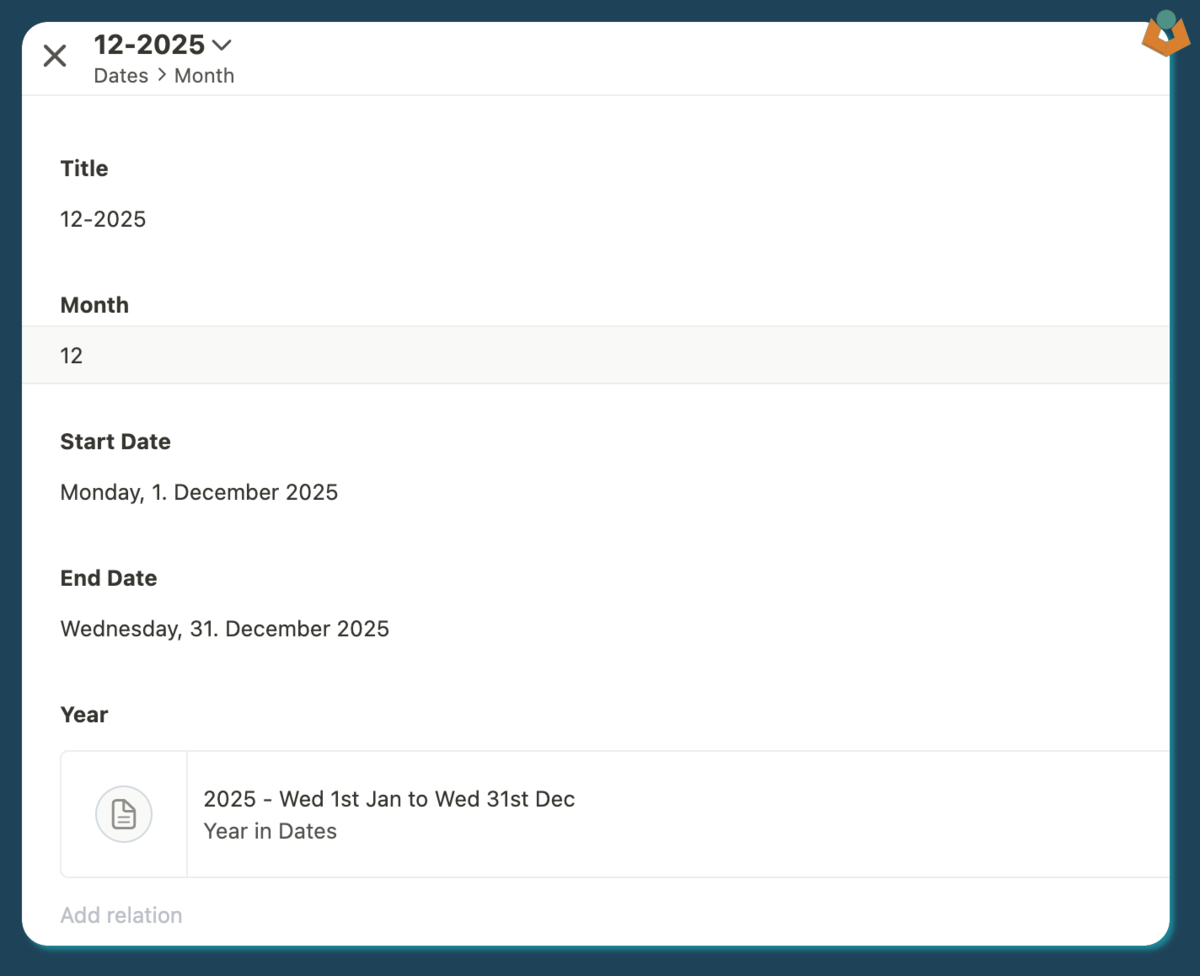
Tape month record connected to related year and day records as part of an automated date structure.
Once the month layer exists, the day records can be generated with the right relationships already in place.

Why this pattern is useful

The value is not just that it saves clicks. It gives you a reusable structure that other workflows can depend on.

That can be useful when:

  • reports need predictable date relationships
  • records need to be grouped by month or year
  • automations need a stable calendar framework to work from

A practical caution

This is more complex than a single date field, so it is worth using when the calendar structure is genuinely doing work for the system.

If you do need it, though, automating the record creation is far better than trying to maintain the structure manually.

Need help applying something like this in a live workflow?

Reading a guide is often enough to clarify the pattern. If the workflow is already messy, brittle, or hard to trust, the better next step is usually to look at the operational problem directly.