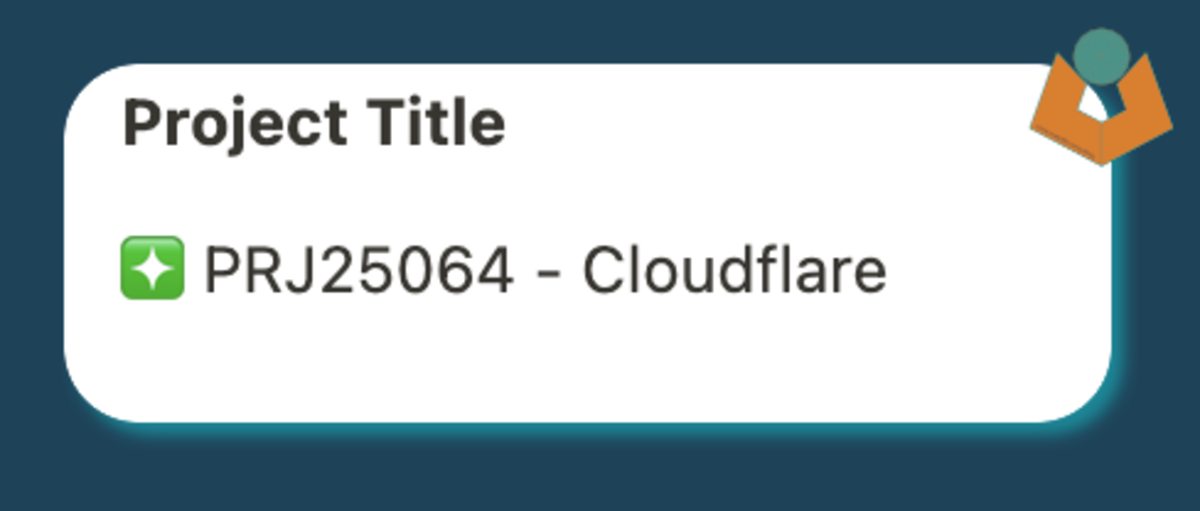
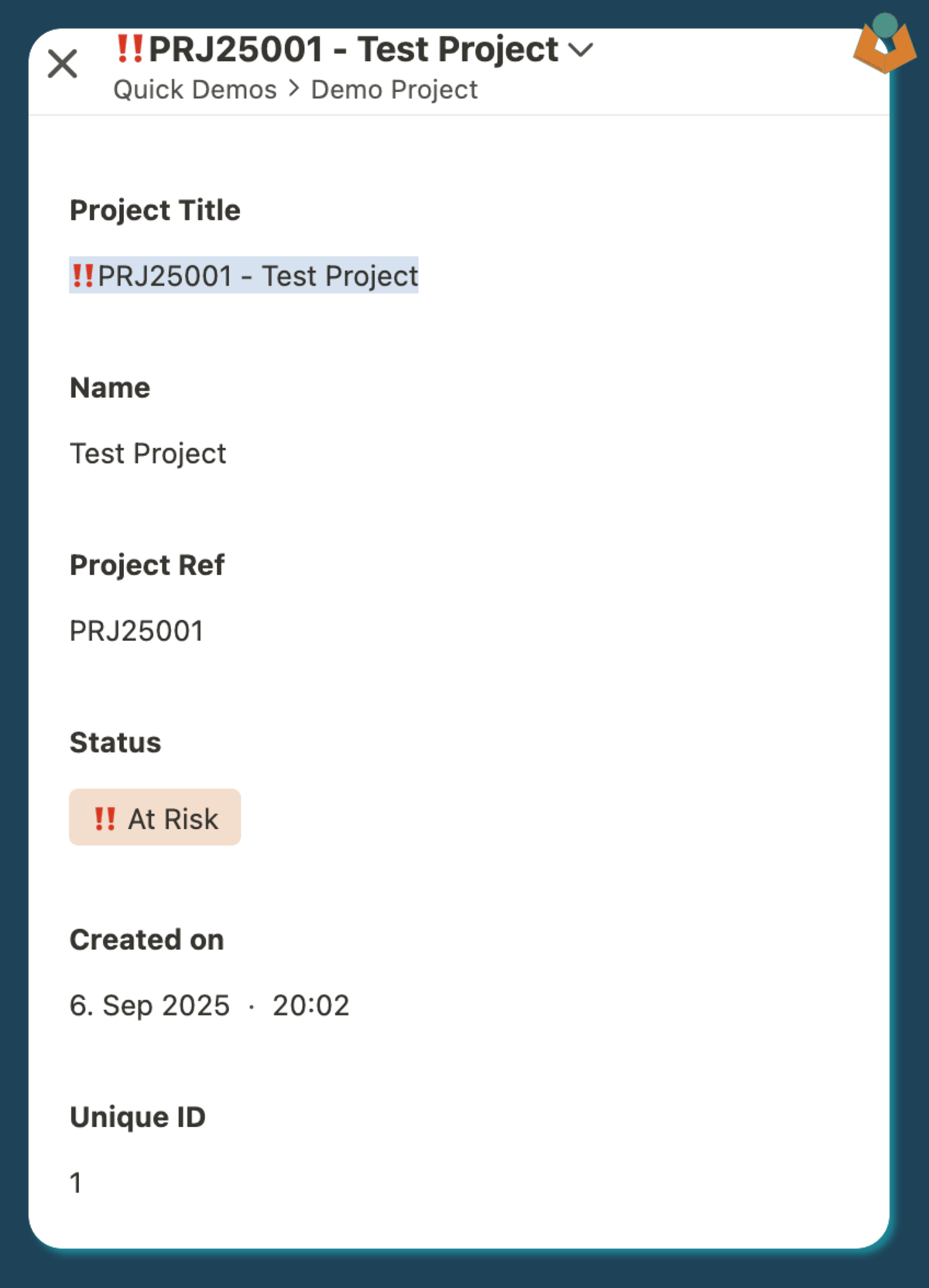
That creates a title that can be scanned quickly in lists, related-record fields, and dashboards without needing to open the record first.
The title becomes much more useful when it carries status, reference context, and the human-readable name together.
Why this structure works
The title carries just enough context to help someone understand what they are looking at straight away:
the leading status marker gives a quick visual signal
the reference number provides a stable identifier
the name keeps the title human-readable
That becomes especially useful once the record appears in other places, because the title often travels further than the underlying fields.
The source fields stay simple, while the calculation field turns them into something more glanceable.
Why split the status field
If the status field contains both an icon-like marker and some text, splitting it lets you lift out the first part only:
@Status.split(" ")[0]
That gives you the compact visual signal without dragging the whole status string into the title.
What this improves
titles become easier to scan in lists and related-record views
important context stays visible when records appear elsewhere
changes to the underlying fields update the title automatically
A practical note
The exact structure does not have to look like the example above. The useful principle is that the title should surface the pieces of information people most often need when they are moving quickly.
If some of those fields might be missing, the next thing to handle is how you deal with empty values so the title still reads cleanly. That is where handling potentially empty fields in Tape becomes useful.
Need help applying something like this in a live workflow?
Reading a guide is often enough to clarify the pattern. If the workflow is already messy, brittle, or hard to trust, the better next step is usually to look at the operational problem directly.